
Resources
SDS binder setup for Concord facilities: cover, inventory and tabs
One binder, one shelf, and a safety data sheet for every cleaning and maintenance product in the building. Print the free kit, fill in the cover and inventory, then tab it so the right sheet turns up quickly.
Printable template
The case for one binder over scattered sheets
Every bottle of glass cleaner, floor finish and degreaser that arrives in a building comes with a safety data sheet. Those sheets have a habit of scattering: a few in the receiving office, some taped inside a closet door, a handful saved in someone’s inbox. When a manager or a new hire needs one, the search starts from scratch.
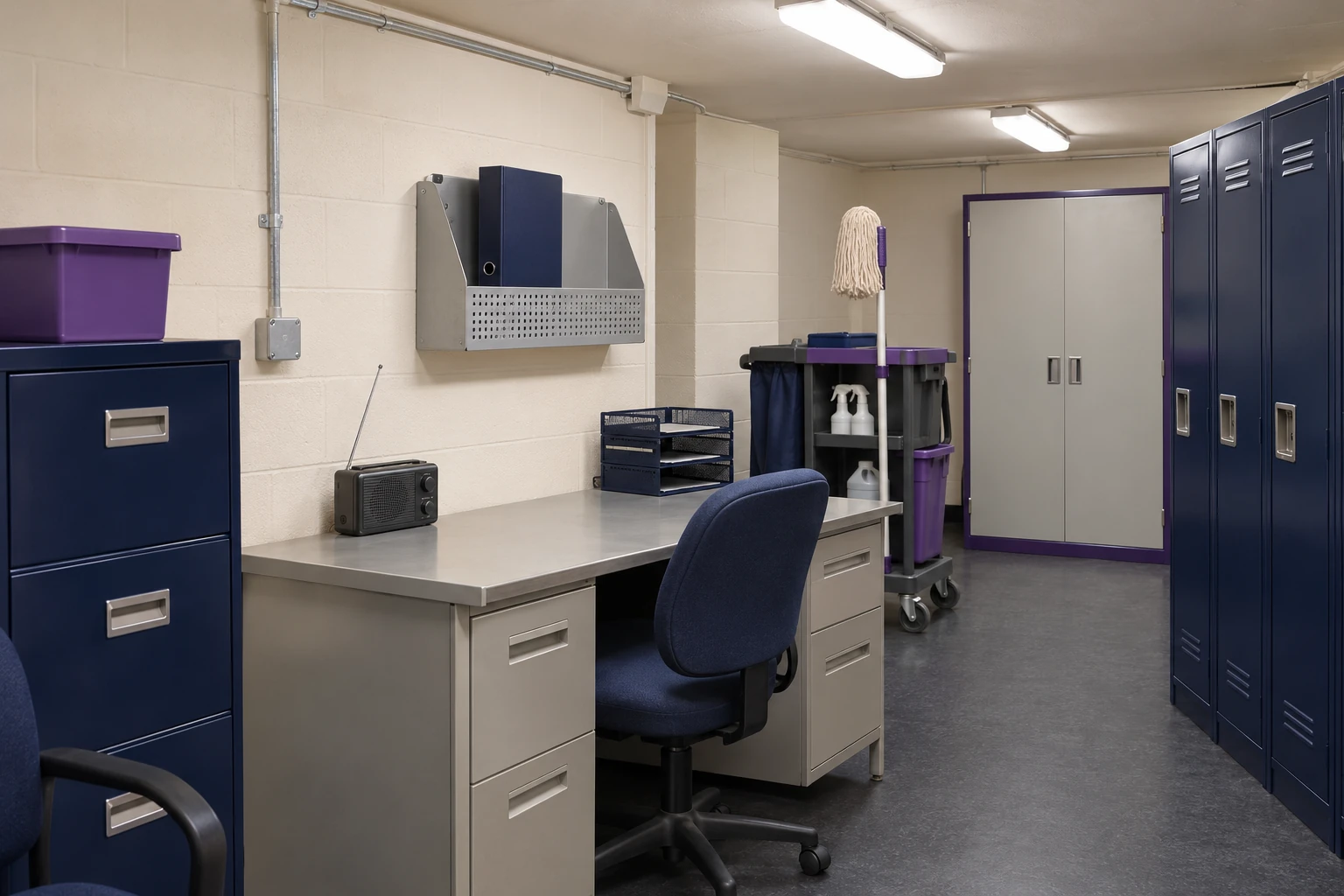
An SDS binder gathers them back together. Picture one ring binder with a data sheet for each cleaning, floor-care and upkeep product stored in the building. Up front sits a cover naming its shelf and its keeper, behind that a product list, and then dividers that steer a reader to the right page. The payoff is speed and calm: anyone on any shift can open it and find a sheet in under a minute.
Our printable kit hands you the working parts: a cover block, an inventory grid with blank lines, a quick pre-walk list, and a few tab and upkeep checks. Grab it from this page at no cost, print a copy, and clip it inside the front of the binder before your first walk.
Start with the person who owns your program
Before you pull a single sheet, talk to whoever runs hazard communication for your workplace. That might be an office manager, a safety lead, the property manager or the owner. What this workplace needs is set by your company’s own hazard-communication program, so the binder follows that program and never stands in for it.
That conversation settles the practical questions early: how many copies to keep, which shelf or cabinet they sit in, and what happens to sheets for products you stop using. Write that person’s name on the cover as your program contact, so the next reader knows exactly who to ask.
Filling in the cover
The cover block is the part people read first, so keep it short and current. It has five fields:
- Facility: the building, suite or site name as your staff know it.
- Binder location: the room and shelf, written plainly enough for a first-day employee.
- Kept by: the person who files new sheets and pulls old ones.
- Program contact: whoever runs hazard communication, when that is not the keeper.
- Last reviewed: when someone last matched the binder against the shelves.
If you keep a second copy, in a warehouse office or a second floor, say so on the cover of each one. Two binders that disagree are worse than one, so note which copy is the working one.
Building the inventory closet by closet
The inventory is the binder’s table of contents. Walk the building with the sheet in hand and open every place a product lives: janitor closets, restroom cabinets, the cupboard under the breakroom sink, the copier alcove, the engineering room, and any shed or exterior locker. Each container type you find earns one line.
The grid has five columns. For Product (as labeled), copy the label wording letter for letter so each line pairs cleanly with its sheet. Maker is the manufacturer or supplier printed on the label. Used in notes the areas where staff or crews use it, such as restrooms or hard floors. Sheet date comes off the data sheet’s own revision line, handy for noticing when a newer version replaces it. Tab tells the reader which divider the sheet sits behind.
When a container has no matching sheet, leave its line open and flag it for your program contact. Blank lines at the bottom of the grid leave room for products that turn up later.
Choosing a tab order
Tabs only help if everyone reads them the same way. Pick one system and use it across the whole binder:
- Alphabetical: the label name sets the order, which is quickest when the shelf list is short.
- By building zone: restroom, kitchen, floor care, engineering and grounds, a good match when separate teams look after separate spaces.
- By job the product does: surface cleaners, floor chemicals, restroom care and building upkeep, a good match when one central closet supplies everything.
Whatever you choose, the label on each divider should match the Tab column word for word. That small habit is what turns a stack of paper into a binder anyone can search.
Keeping the binder current
Paperwork drifts out of date quietly, so give it three triggers. A container you have never stocked before shows up: file its sheet when the product arrives and give it an inventory line. A product leaves the shelf for good: take its sheet out, strike the line, and ask your program contact whether the old copy is archived or discarded. And on a fixed rhythm (quarterly suits most offices), walk the closets with the inventory in hand and put the date in Last reviewed.
The upkeep checks on the printable cover all three, plus a reminder that divider labels still match the Tab column. Tick them during the periodic check and the binder stays dependable without much effort.
Where our crews fit
When Concord Janitorial cleans your building, the crew works from the closets and shelves your binder already maps. During the free walkthrough we note where cleaning supplies are stored and who on your side keeps the binder, so that contact goes into the cleaning plan too. If we furnish restroom consumables through our janitorial supplies service, let your program contact know which items now arrive with the crew so the inventory can be checked against them.
Our supervisors do quality inspections on the cleaning itself, and visits can be booked for evenings or weekends when the building is quiet. For the full routine, see our janitorial services or the work covered under disinfection and sanitizing. Ready to talk it through? Book a free walkthrough and we’ll follow it with a written quote.
Common questions
What belongs inside the binder?
A safety data sheet for each cleaning, floor-care and upkeep product stored in your building. A cover names its shelf and its keeper, a product list sits behind that, and labeled dividers steer readers to each sheet.
Which tab order works best?
Alphabetical is fastest for a short list. Zones suit buildings where separate teams handle separate spaces, and grouping by job suits a site with one central closet. Use one system throughout and match each divider to the Tab column.
When should the binder get an update?
Change it any time a container joins or leaves the shelf, and add a scheduled pass where someone walks the closets with the inventory. Quarterly is a practical rhythm for most offices. Record each pass in Last reviewed.
Who decides what our workplace needs?
Your own hazard-communication program does. Ask whoever owns that program at your company, and name them on the cover so readers know who to contact with a question.
Is the printable kit free?
Yes. The PDF and an editable Word version are both plain downloads on this page, ready to print as soon as you open them.
Resources